Palettes and ramps
Pixel art lives or dies by its palette. Pixor builds one the way an artist would, or uses yours.
Ramps from your materials
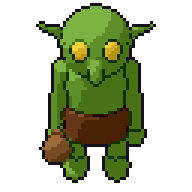
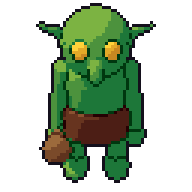
Each material becomes a ramp: a few shades from dark to light, with the hue shifted warmer in the light and cooler in the shadow, as pixel artists do by hand. The same material name gives the same ramp in every model of a project.
Or your palette
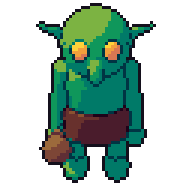
Load a Lospec .hex or a GIMP .gpl palette, or pick colours from a picture, and Pixor snaps its ramps to it. Seven palettes come built in.
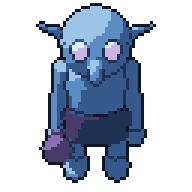
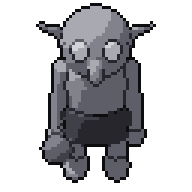
Indexed, ready for palette swaps
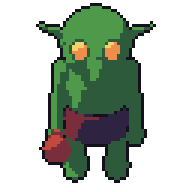
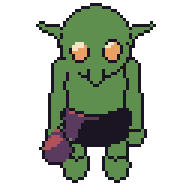
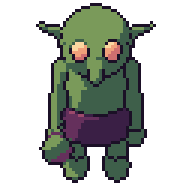
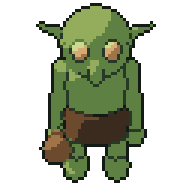
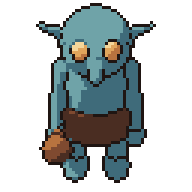
Sprites are written as indexed PNG: every pixel is a palette entry, so palette swaps, team colours and hit flashes work in your engine. Pixor can also export variants (team colours, frozen, poisoned, night) and stay within a console’s limits: Game Boy, NES, PICO-8, TIC-80, C64.