How Pixor makes the pixels
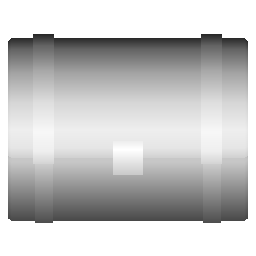
No AI and no filters: Pixor renders your model into a few exact pictures, then builds each pixel from them in steps you can see. Here is a treasure chest from the free library going through them.
1. The model, rendered into facts
Pixor first draws the model once per frame and side into a G-buffer: not a picture yet, but, for every pixel, what is there. The material’s colour, which way the surface faces, how far it is, and which part it belongs to. It samples each pixel several times, so thin parts are found, and every frame uses the same pixel grid and the same pivot.



2. Light, in bands
Light is turned into a few bands, the way a pixel artist shades: a lit side, a mid tone, a shadow. A band holds until the surface has clearly turned, so animations don’t flicker. Each band takes the next shade of the material’s ramp, with the hue shifted warmer in the light and cooler in the shadow.
3. Lines, from the parts
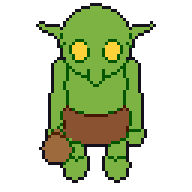
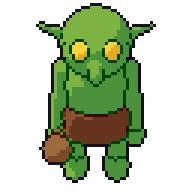
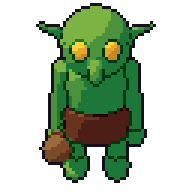
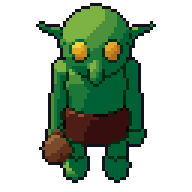
Lines come from the G-buffer, not from edge detection on a picture: the silhouette against the background, the edges between parts and materials, and creases where the surface folds. Each kind of line can be dark or a selective outline (selout): a darker shade of the part’s own colour, as pixel artists draw them. Lines are one pixel wide, without the L-shaped corners that make 3D outlines look machine-made.
4. A palette, and cleanup
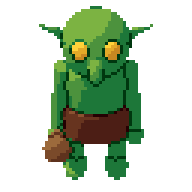
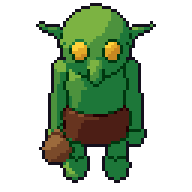
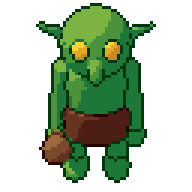
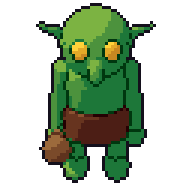
Every colour is snapped to a palette: one Pixor builds from your materials, a built-in one, or yours (Lospec .hex, GIMP .gpl, or a picture). Then cleanup removes what a hand would never draw: single stray pixels, one-frame lines, pixels that would blink for a frame and change back.
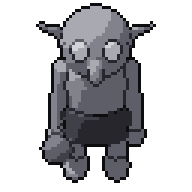
5. The sprite
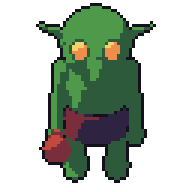
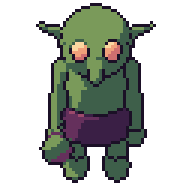
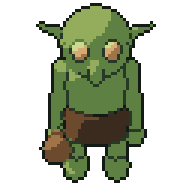
The result is an indexed sprite: every pixel is a palette entry, ready for palette swaps in your engine, for Aseprite, and for touching up by hand.


Every stage is a node
In Pixor each of these stages is a node of the Style graph: you can see its picture, change it, mask it to one part, mix two of them, or add your own. A look is just a graph, saved as a kit and used on the next model, so every sprite in a game matches. The node reference lists them all.
Why no AI
A model that generates pixels guesses. It can’t promise the same sword on the 8th frame as on the 1st, or that a re-render after a fix changes only what you fixed. Pixor’s pixels come from your model and your settings, by steps you can follow, so they are consistent across a whole game and you stay the artist. Pixor contains no generative AI and no machine learning.