Tutorials
Real projects, step by step, each with a sample to download and open.
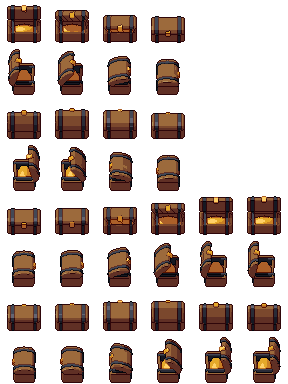
Your first sprite in five minutes
Beginner · 5 minutes · video

A spinning coin
Beginner · 5 minutes
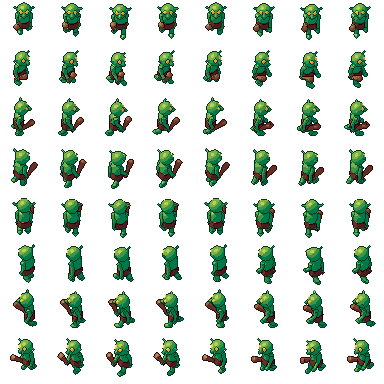
An 8-direction sprite sheet of a walking character
Intermediate · 10 minutes · video
A sprite in Godot 4, ready to play
Beginner · 10 minutes · video
A Mixamo character in eight directions
Intermediate · 15 minutes · video
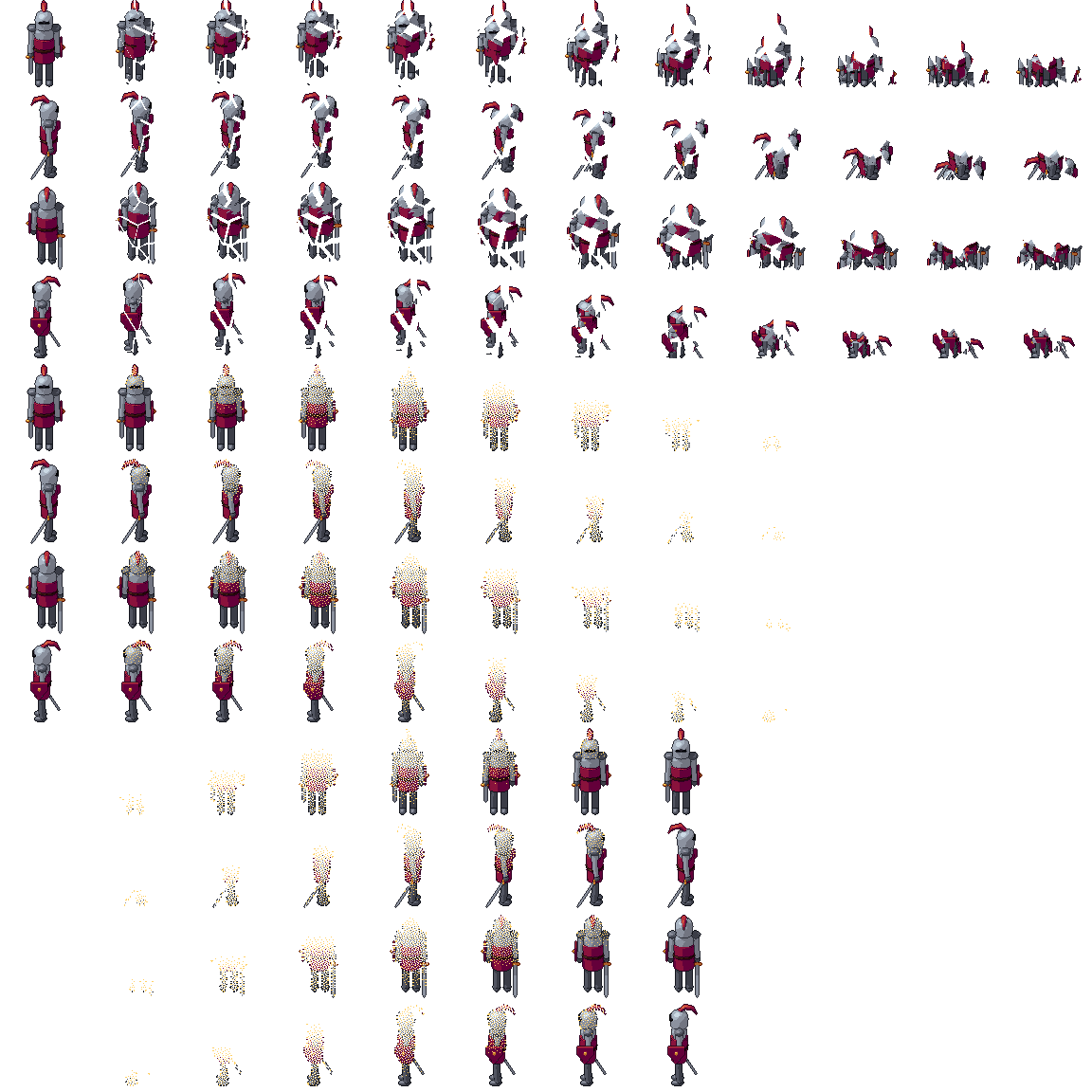
Pixel art death animations: shatter, dissolve and spawn
Beginner · 5 minutes · video

Anticipation and follow-through: give a jump weight
Beginner · 5 minutes · video
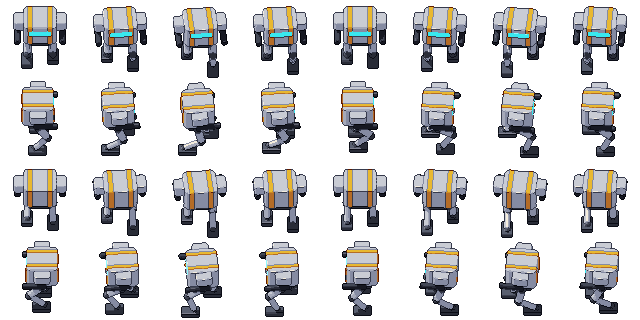
Lighting variants: night, torch, underwater, poison
Beginner · 5 minutes · video

Sub-pixel animation: a breath smaller than a pixel
Beginner · 5 minutes · video

Pixel art spell effects, made your own
Beginner · 6 minutes · video
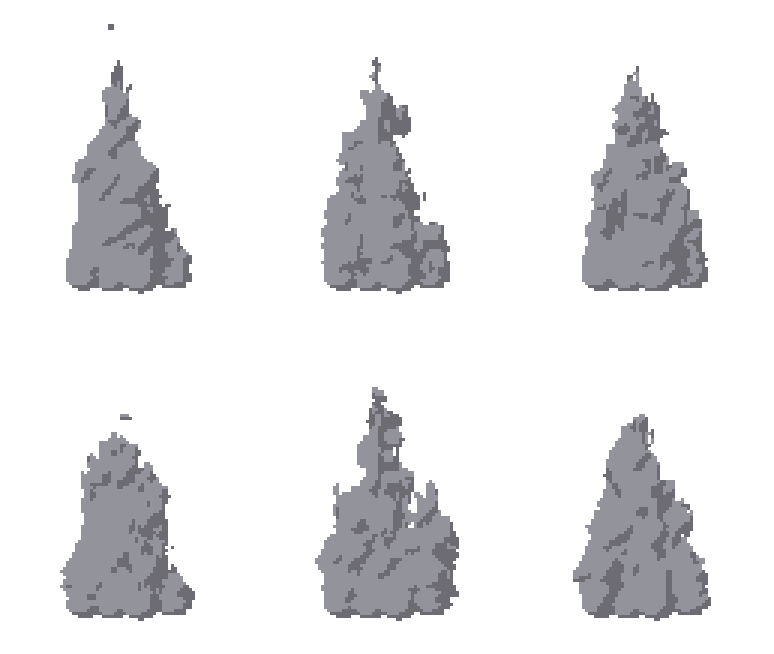
Pixel-art fire and smoke from a Blender simulation
Intermediate · 10 minutes · video
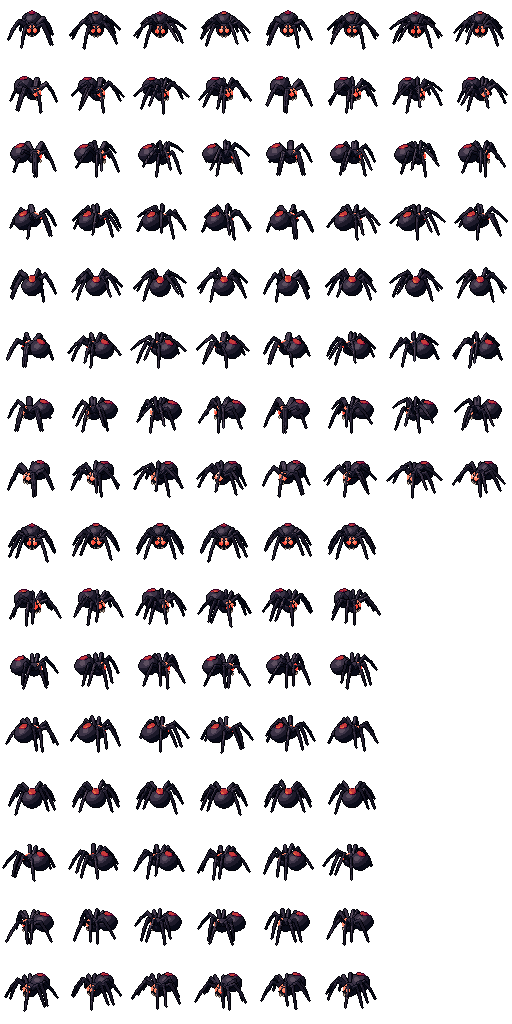
A run for any creature: the Gait node
Beginner · 5 minutes · video

Dialogue portraits: a bust for every expression
Beginner · 5 minutes · video
A white outline around the final sprite
Beginner · 5 minutes
How the tutorials work
Each tutorial starts from a 3D model and ends with a pixel-art sprite sheet your game can load. Download its sample project, open it in Pixor, and follow the steps: import the model, set up the cameras, choose the animation, pick a look, export. The models come from the free CC0 library, so you can follow along without making anything first, then do the same with your own glTF, FBX, OBJ or .vox files.
Start with your first sprite if Pixor is new to you. Most steps also work in the free browser demo. For the ideas behind the steps (sprite sizes, outlines, palettes, why pre-rendered sprites look drawn), read the pixel-art guides; for every setting, the manual. Short videos of the tutorials are on Pixor’s YouTube channel.