Lighting variants: night, torch, underwater, poison
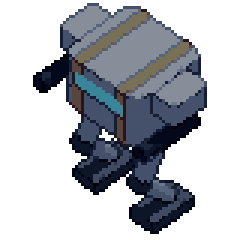
A night level needs a night sprite. A tint over the daylight sheet keeps the daylight shadows; Pixor draws every frame again under the other light, so the shadows fall where that light puts them, then puts the sheet in that light's colours.
Sample project
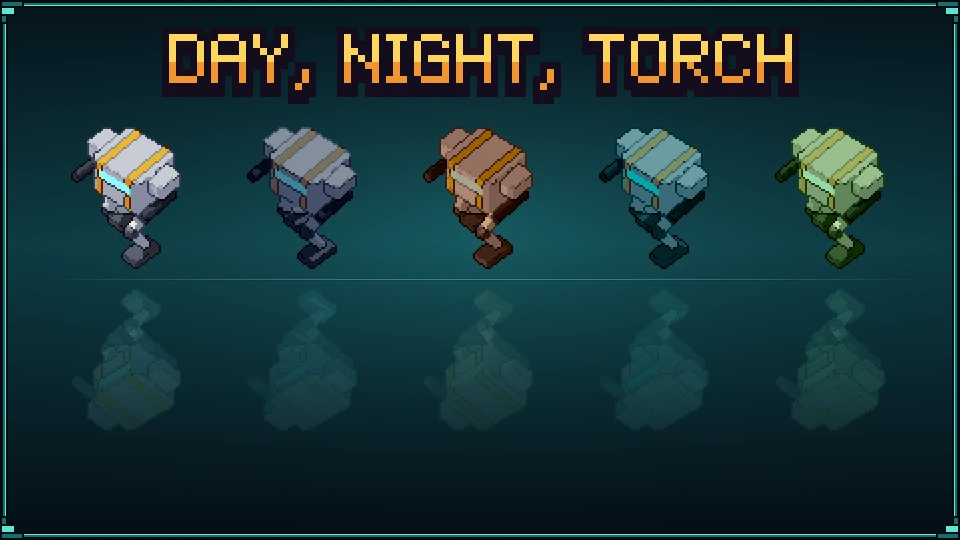
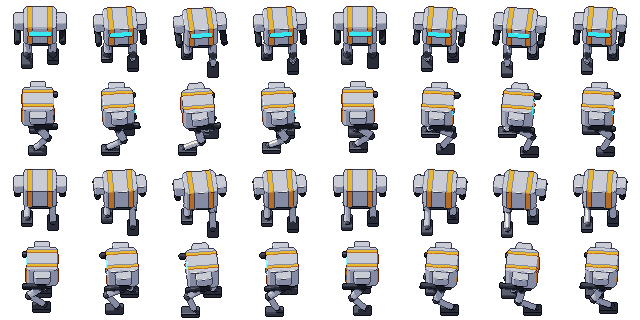
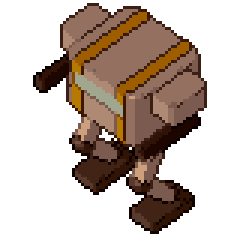
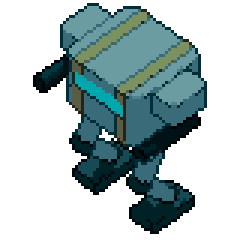
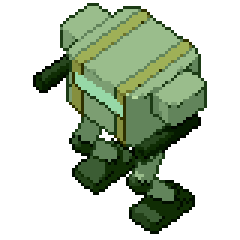
Lighting variants: a mech by day, at night, by torchlight, underwater and poisoned: the .pixor project and its library model (CC0). The sheet on the left is what it renders.
Beginner · about 5 minutes · or watch it in 75 seconds
1. The sprite in daylight
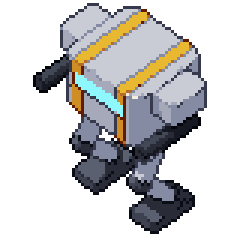
Open a model: the tutorial uses the mech from the free CC0 library, with its walk. The Style step’s 2D View shows it as the Style lights it: that is the daylight sheet.
2. Add Palette variants
In the Asset step, select the Sheet node, type variant in the node library’s Find box and add File: Palette variants. Lighting variants live in the same list as palette swaps and team colours.
3. Four lights
In the Inspector, open Add variant and scroll to the end of the list: Light night, Light torch, Light underwater, Light poison. Each one is a sheet of its own.
night: cool, dim moonlight from high on the far side; deep blue shadows.torch: a warm light held low in front; more of the model in shadow, no fill light.underwater: light from straight above through blue-green water, softer and darker.poison: the Style’s own light, sickly green and a little darker.
The palette’s Night entry higher up is a palette swap of the daylight pixels; Light night is the one drawn again.
4. Export
Export writes one sheet per light beside the daylight one, each named after it (mech_light-night.png, …) with its own JSON, GIFs and Aseprite file if the export makes them. The daylight sheet’s JSON lists them under meta.pixor.lights.
From the command line
pxr render mech.glb --clip Walk --ring 4 --light-variant night,torch,underwater,poison
pxr project set game.pixor --light-variant night,torch
--light-variant night is the same as --variant light:night; --no-light-variants removes them from a project.
Next
- Recolour variants: a hit flash, a frozen enemy and team colours from the same sheet.
- Limited palettes: why a lit sheet keeps its colour count.
Questions
Is a lighting variant just a palette swap?
No. A palette variant keeps every pixel and changes what the colours mean. A lighting variant draws the frames again: the key light moves, more of the model falls into the darker bands, the fill and highlights change. Then it tints the palette for that light.
Are the lit sheets still indexed pixel art?
Yes. Each is in the Style's palette turned by the light's tint: the same number of colours and the same ramps, every pixel one of its palette's.
Do the frames line up with the daylight sheet?
Exactly: same size, same frames in the same places, same pivot. Swap the texture in your engine when the player walks into the cave.
Can I see a light before I export?
Not yet: Generate on the Palette variants node makes the palette swaps, and the lights are drawn by Export. Export to a folder and open the sheets there.