Pixel-art fire and smoke from a Blender simulation
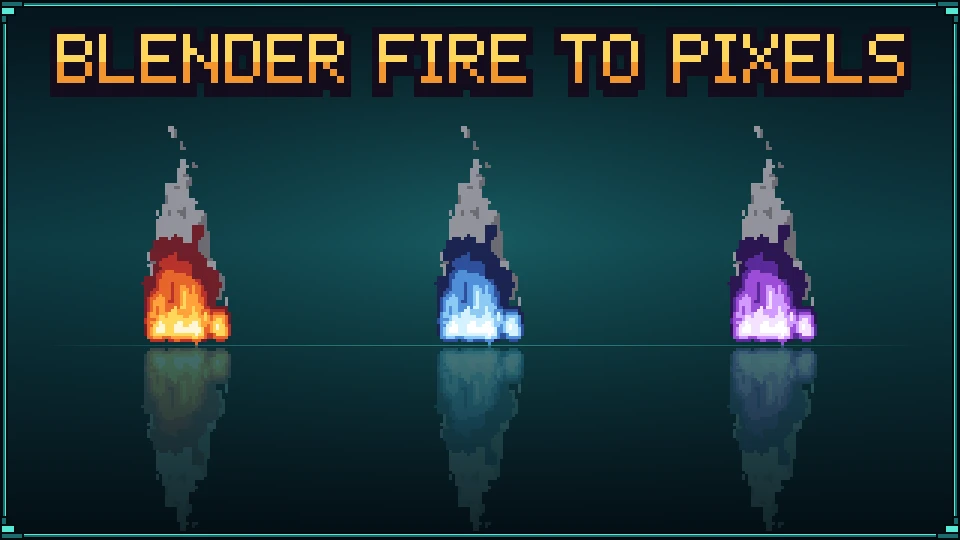
A simulated fire moves like fire: tongues that split, tear off and rejoin, smoke that thins away. Pixor opens the .vdb files Blender bakes and draws them as pixel art, the fire in bands of a few flat colours and the smoke shaded, the way a pixel artist draws them, looping.
Intermediate · about 10 minutes · or watch it in 152 seconds
The simulation is made in Blender and drawn in Pixor. A bake is about 3 MB a frame, so there is no sample to download: bake your own with the settings below, or open one from EmberGen or Houdini.
1. A fire in Blender
Add a cube for the Domain and small meshes for the Flows (Physics › Fluid). These are the settings the campfire in the video was baked with:
| Domain | Type Gas, Resolution Divisions 96, a box 2.2 × 2.2 × 3.6 m standing on the ground; Noise and Adaptive Domain off |
| Gas | Vorticity 0.35, Buoyancy Density 0.1, Heat 2.0; Dissolve on, Time 7, so the smoke thins away |
| Fire | Reaction Speed 0.8, Flame Smoke 0.25, Vorticity 2.2, Temperature Maximum 2.4 |
| Flows | nine small spheres among the logs, each Fire + Smoke, Inflow, Fuel 1.2, Initial Temperature 1.6, Density 0.08, Surface Emission 0.6, an Initial Velocity of 0.6 up, Sampling Substeps 2 |
| Fuel, keyed | each flow’s Fuel keyed up (0.6 to 1.8) and down (0 to 0.4) every few frames, constant between keys, each on its own beat: each flare becomes a tongue of flame, and one cut short tears off |
| Ground | a plane under it as an Effector |
The keyed fuel is what makes it look alive: a flow that burns evenly gives a steady cone.
2. Bake it as OpenVDB
In the Domain’s Cache panel set Type to All, the frames (1 to 96 here), Format Volumes to OpenVDB and Compression to Blosc, then Bake All. Blender writes one file a frame into the cache folder: data/fluid_data_0001.vdb, fluid_data_0002.vdb and so on.
3. Open the bake
In Pixor’s Scene step, click the Outliner’s + Add › A volume › From a .vdb file… and choose the first file you want to play. A fire takes a while to fill out, so the campfire starts at fluid_data_0044.vdb. A project saved beside the cache folder keeps the path short: cache/data/fluid_data_0044.vdb.
4. Its size and its voxels
The volume comes in at the size Blender baked it. Size is measured on what Pixor draws of it over the frames it plays, not on its domain: the faint haze a simulator leaves up to the domain’s walls is left out, so a wider domain does not shrink the fire. In the Inspector set its Size to 3.4 m on all three axes: a file keeps its own shape, and Size is the box the fire fits in. That is the size of the whole sequence, not of its first frame, so a plume that grows does not shrink the picture back each frame.
Set Voxels to 128: how finely the volume is cut along its longest side. A sprite pixel wants one or two voxels; more only shimmers, fewer turns the fire into blocks. The campfire is drawn at 24 pixels a metre, 70 to 90 pixels tall as its flames rise and fall. The thin smoke that step 9 draws is measured too, so the same 3.4 m then holds the fire and its plume, and nothing is cut at the top of the sprite.
5. Make it play
Under Sequence set Frames to 26 (how many files to play, counting on from the one you opened), Every to 2 (one file in two: Blender bakes at 24 frames a second, a sprite wants about 12) and Close the loop over to 4: the last four files are cross-faded into the start, so the sprite plays round and round without a jump. Those four become the fade, so 22 frames play.
With nothing else moving, the sequence gets an action of its own, called volume.
6. Fire colours: a ramp
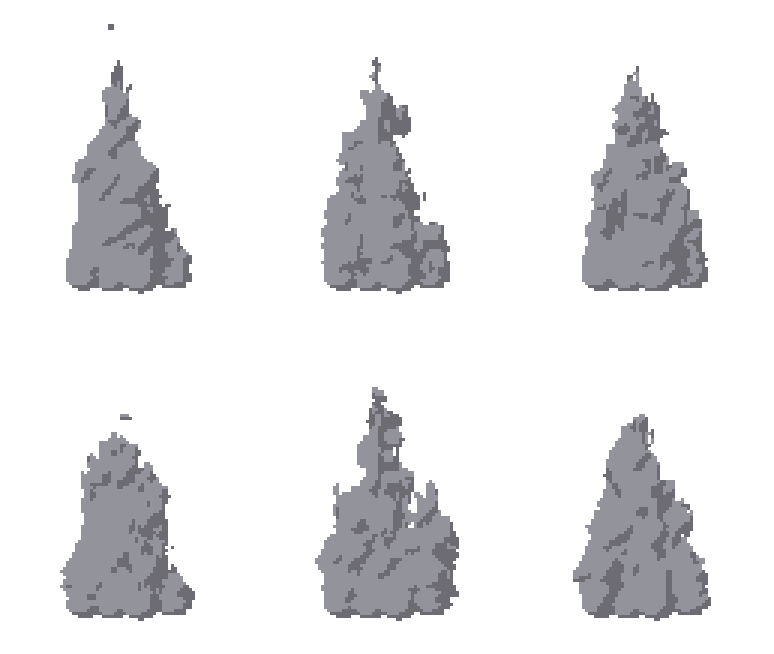
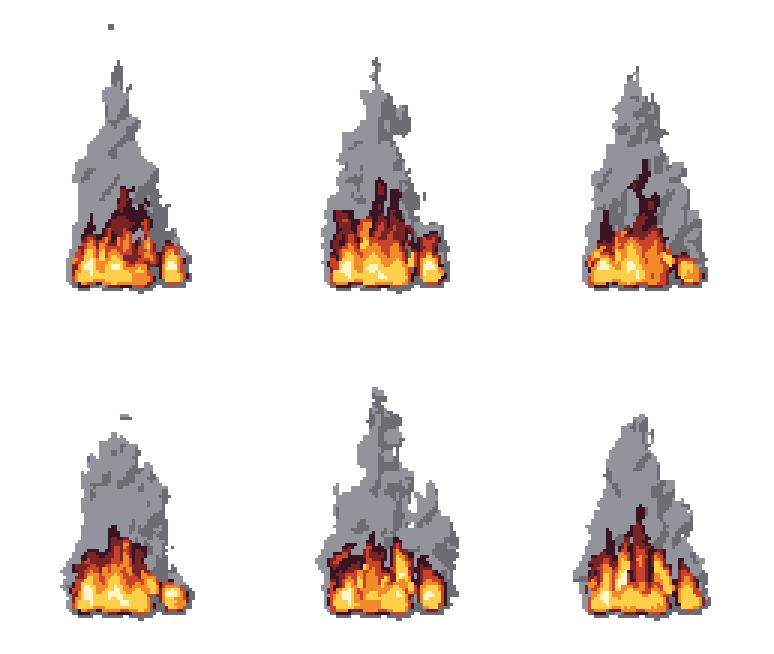
In the Style step’s 2D View, the fire is all grey: with no Fire colours, the part that burns is drawn as smoke. In the Scene graph, the volume’s node has Fire colours as a list of the effects’ ramps: choose Fire (or Frost, Magic, Poison, Spirit… for a blue, purple or green fire). The hotter a part, the further along the ramp it takes, each colour a band of its own that glows whatever the light.
7. Your own colours
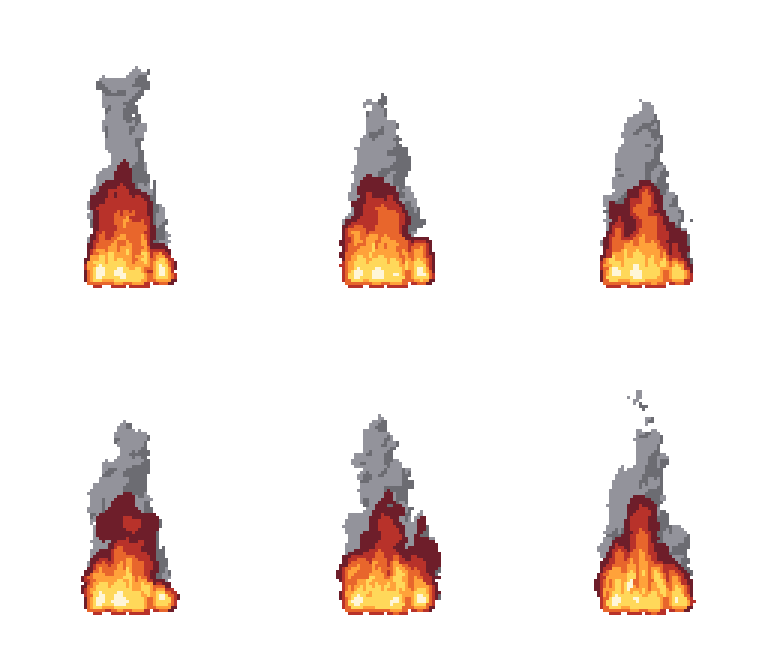
Or paste up to eight #hex colours into the Inspector’s Fire colours, coolest first, and press Enter. The campfire’s go from a dull red rim to a white-hot core:
#6e1e2a,#b8322a,#e8662c,#ffa23a,#ffd85a,#fff6d88. Glows over
Glows over is how hot a part has to be before it burns at all, as a fraction of the hottest flame; the heat above it is cut evenly between the fire colours. At the 0.45 it starts with, only the core of the campfire burns. At 0.06 the whole flame does, with every band from rim to core.
The bands are cut from the hottest flame of the whole sequence, so a single flare can leave every other frame in the two coolest colours. Hottest at (also a fraction of the hottest flame) gives the top colour to any heat above it: lower it and a steady fire burns white at its heart again. Fire by frame bands each frame from its own hottest flame instead.
9. Smoothing, Thickness and Soft edge
A simulation’s heat is smoothed as it is read, and so is the light of its smoke, so the bands are shapes rather than the speckle of every voxel. Smoothing is how many times (0 to 8); 2 gives the campfire broader bands. A big, churning explosion whose smoke comes out mottled wants 3 or so.
Thickness is how much volume a pixel needs before it is drawn: at 0.15 the thin smoke over the fire is drawn too, a tall plume; higher gives a tighter, harder shape. Soft edge is how wide the fraying edge is. It is dithered away on a pattern fixed to the volume, never blended, so every pixel stays on the palette and the pattern does not crawl.
10. The sheet and export
The Asset step shows the 22 frames. Export writes them as a sheet, with its JSON, as it does any sprite’s.
From the command line
The same fire as a project, and its sheet:
pxr project new campfire.pixor --volume cache/data/fluid_data_0044.vdb:3.4::26,2,4:fire=#6e1e2a,#b8322a,#e8662c,#ffa23a,#ffd85a,#fff6d8:glow_over=0.06:smooth=2:threshold=0.15:voxels=128 --view side --pitch 20 --pixels-per-metre 24
pxr render campfire.pixor -o out/
After the file come the size (3.4), an empty place, then the sequence: 26 files, every second one, the last four faded into the first. fire=frost takes a ramp by name. pxr inspect cache/data/fluid_data_0044.vdb prints a file’s grids and voxel size.
Next
- Volumes: every setting, the built-in puffs and flames, volumes carried by a bone or an effect.
- A pixel-art explosion sprite sheet: the particle way, with nothing to simulate.
- Death effects: shatter and dissolve, for when the fire reaches the enemy.
Questions
Does it work with EmberGen or Houdini?
Yes. Pixor reads .vdb files from Blender, EmberGen and Houdini: float or vector grids, plain, zipped or Blosc-packed. It takes the density (density, smoke, fog) for the smoke and flame, fire, temperature or heat for the part that burns. pxr inspect fire.vdb lists a file's grids.
My Blender fire comes out lying on its side.
It should not: Blender has +Z up where OpenVDB, EmberGen and Houdini have +Y, and Pixor knows a Mantaflow file by the tag Blender writes on its grids and stands it up. A level set you write yourself is taken as +Y up.
How many frames should a pixel-art fire loop have?
Twelve to twenty-four at 12 frames a second. Bake more than you need, then pick with Frames and Every: the campfire plays 26 files, every second one, and fades the last four into the first, so 22 frames loop without a jump.
Does a long simulation need a lot of memory?
No. A sequence is never in memory whole: each file is read once to find the box the whole sequence fills, then again when the sheet or the preview reaches its frame, with the last three kept. A long bake costs time to read, not memory.
Can I put the fire next to a character?
Yes. A volume sits in the scene with the model: a campfire beside a walk cycle plays its frames as the walk's frames, and a volume carried by a bone (a torch in a hand) goes where the bone goes and stays upright.
Read next
- Anticipation and follow-through: give a jump weight
- A run for any creature: the Gait node
- Pixel art death animations: shatter, dissolve and spawn
- Dialogue portraits: a bust for every expression
- An 8-direction sprite sheet of a walking character
- Your first sprite in five minutes
- A sprite in Godot 4, ready to play
- Lighting variants: night, torch, underwater, poison
- A Mixamo character in eight directions
- Pixel art spell effects, made your own
- A spinning coin
- Sub-pixel animation: a breath smaller than a pixel
- A white outline around the final sprite