Looks you can rebuild
A look is a graph of nodes. Start from a preset, change any stage, and save it to use on the next model, so a whole game’s sprites match.




Light, in a few bands
One to four light bands, held until a surface has clearly turned so they don’t flicker, with specular highlights, a fill light and shadows when you want them.



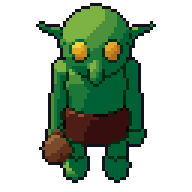
Lines a pixel artist would draw
Silhouette, inner lines between parts and creases, each dark, coloured or a selective outline taken from the part’s own ramp. One pixel wide, without L-shaped corners, and thin parts like swords and bow strings are kept as single-pixel lines instead of vanishing.
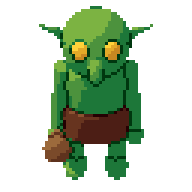



Dithering that stays on the surface
Ordered (Bayer) or blue-noise dithering between bands, fixed to the surface so it doesn’t crawl as the model moves.
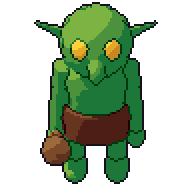
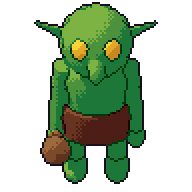
Every stage is a node
The Style graph shows each stage’s picture. Rewire it, mask a stage to one part, or mix two looks. Save a look as a kit and every model of your game gets it. See how it works and the node reference.