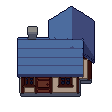
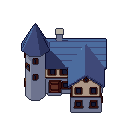
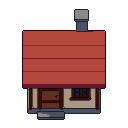
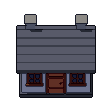
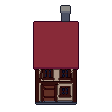
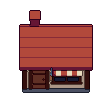
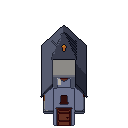
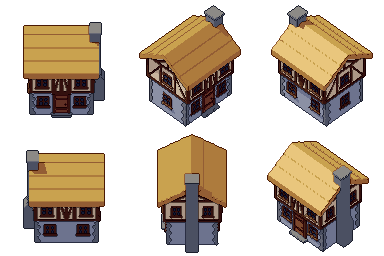
Medium house free 3D model & sprite sheet
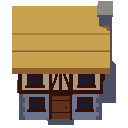
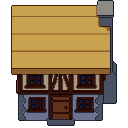
2D pixel art by Pixor, from the 3D model
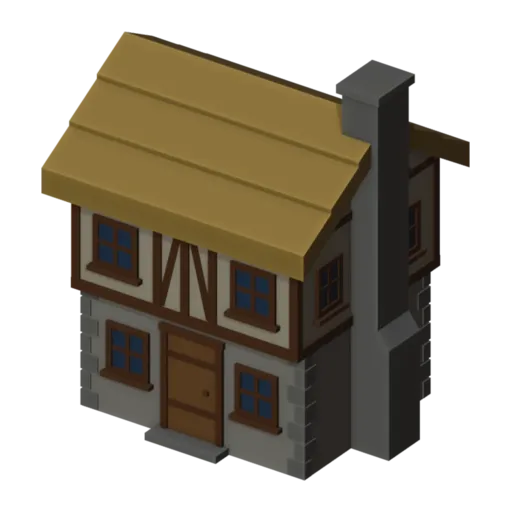
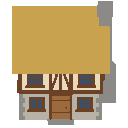
3D the model it was rendered from
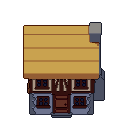
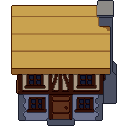
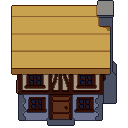
A GIF to share
For a devlog, a post or a Discord message. CC0 like the rest: no credit needed.
A two-storey house with a stone ground floor and quoined corners, a jettied, half-timbered upper floor, a thick thatched roof and a stone chimney stack against one gable. It is a still model rendered at 128 pixels from a three-quarter view, the larger companion to the small house.
The half-timbering is built from separate posts, rails and braces set at staggered depths, so none share a surface and the pattern reads clearly in pixels. The upper floor overhangs the lower one, and the thatch is laid in courses. As with the small house, a lit-window version waits in the extras.
Use it for an inn, a merchant’s home, a blacksmith or a mayor’s house in RPGs and medieval town builders. Its Tudor look sets a historical tone and makes it a natural landmark among plainer houses. Its footprint is larger than the small house, so leave room for the overhang when you lay out a street.
Change the plaster colour or the thatch to give each building its own identity. The lit windows make taverns stand out at night. Pair it with the small house, the barrel and crate outside, the banner flag and the fountain to build a market square.
Use it in your game
- Godot 4:
godot/house-medium-selout-128.tresis aSpriteFramesresource with 8 animations (Static_South, Static_Southeast … Static_Southwest): drop it on anAnimatedSprite2Dand playStatic_South. - Aseprite:
aseprite/house-medium-selout-128.asepritehas a tag for each of those, 8 frames in all, to touch up by hand; its.jsonsits next to it. - Unity, GameMaker and the rest:
sprites/selout/house-medium-128px-8-sides.pnghas 8 rows of 128×128 px cells, one per action and side, South (front) first, 100 ms a frame. A 4-side sheet and the 32, 48 and 64 px sizes are next to it. - Posts and devlogs: the GIFs above, also in the zip’s
gifs/folder. - 3D: the GLB opens in Blender, Godot, Unity and three.js. The
.blendkeeps its modifiers, named parts and materials.
How this look was made
The sprite above is Pixor’s selective outline look. In Pixor every step of a look is a node you can change: the light bands, the outlines, the palette. This is that look’s Style graph:
- dither
- 0
- fill
- 0
- hysteresis
- 0.05
- min highlight
- 2
- rim
- none
- shadows
- on
- specular
- 0.96
- convex
- none
- crease
- selout1
- crease angle
- 55
- depth jump
- 2.5
- inner
- selout2
- min inner line
- 3
- outer
- selout3
- outer inside
- off
- part lines
- on
The other looks in the player (clean, retro, flat) are other Style graphs. With Pixor you can open this asset, change any node, and render your own.