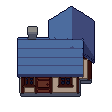
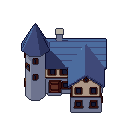
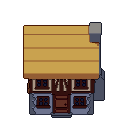
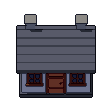
Small house free 3D model & sprite sheet
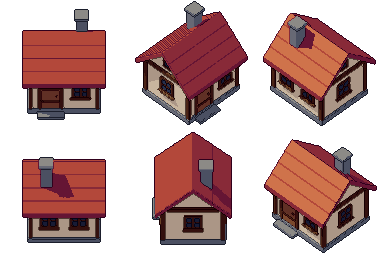
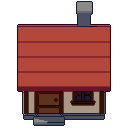
2D pixel art by Pixor, from the 3D model
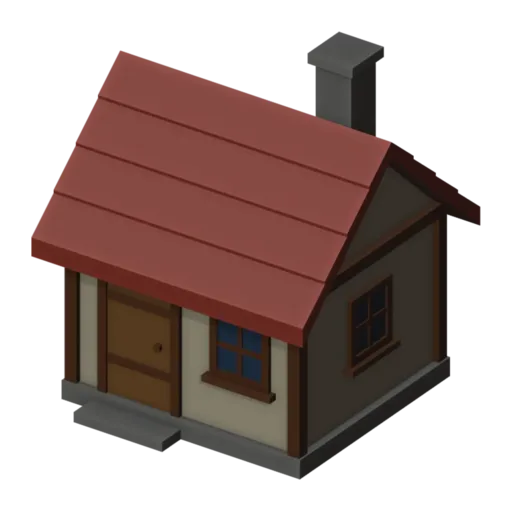
3D the model it was rendered from
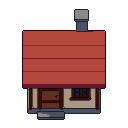
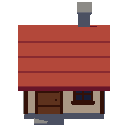
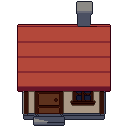
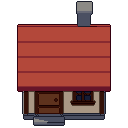
A GIF to share
For a devlog, a post or a Discord message. CC0 like the rest: no credit needed.
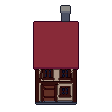
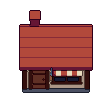
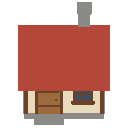
A one-room cottage with plastered walls on a stone plinth, timber corner posts, a red tiled roof and a stone chimney. Framed windows sit on every wall and a plank door opens at the front, with a step stone before it. It is a still model rendered at 128 pixels from a three-quarter view.
The pitched roof is built in courses of tiles, so its texture comes from the shape, not a painted image. The windows are framed and set proud of the wall to catch a little shadow. A version with lit windows waits in the extras, ready for night scenes.
Small houses fill villages in RPGs, farming games and town builders. Use one as a player’s home, a shop or a quest giver’s cottage. Rendered at real scale, it stands correctly beside the goblin and the other characters, so doors line up with them without guesswork.
Make a row of different homes by changing the Plaster and Red roof materials. The lit version brings a village to life at night. Combine it with the medium house, the well, the fence and the flower patch for a complete village street.
Use it in your game
- Godot 4:
godot/house-small-selout-128.tresis aSpriteFramesresource with 8 animations (Static_South, Static_Southeast … Static_Southwest): drop it on anAnimatedSprite2Dand playStatic_South. - Aseprite:
aseprite/house-small-selout-128.asepritehas a tag for each of those, 8 frames in all, to touch up by hand; its.jsonsits next to it. - Unity, GameMaker and the rest:
sprites/selout/house-small-128px-8-sides.pnghas 8 rows of 128×128 px cells, one per action and side, South (front) first, 100 ms a frame. A 4-side sheet and the 32, 48 and 64 px sizes are next to it. - Posts and devlogs: the GIFs above, also in the zip’s
gifs/folder. - 3D: the GLB opens in Blender, Godot, Unity and three.js. The
.blendkeeps its modifiers, named parts and materials.
How this look was made
The sprite above is Pixor’s selective outline look. In Pixor every step of a look is a node you can change: the light bands, the outlines, the palette. This is that look’s Style graph:
- dither
- 0
- fill
- 0
- hysteresis
- 0.05
- min highlight
- 2
- rim
- none
- shadows
- on
- specular
- 0.96
- convex
- none
- crease
- selout1
- crease angle
- 55
- depth jump
- 2.5
- inner
- selout2
- min inner line
- 3
- outer
- selout3
- outer inside
- off
- part lines
- on
The other looks in the player (clean, retro, flat) are other Style graphs. With Pixor you can open this asset, change any node, and render your own.