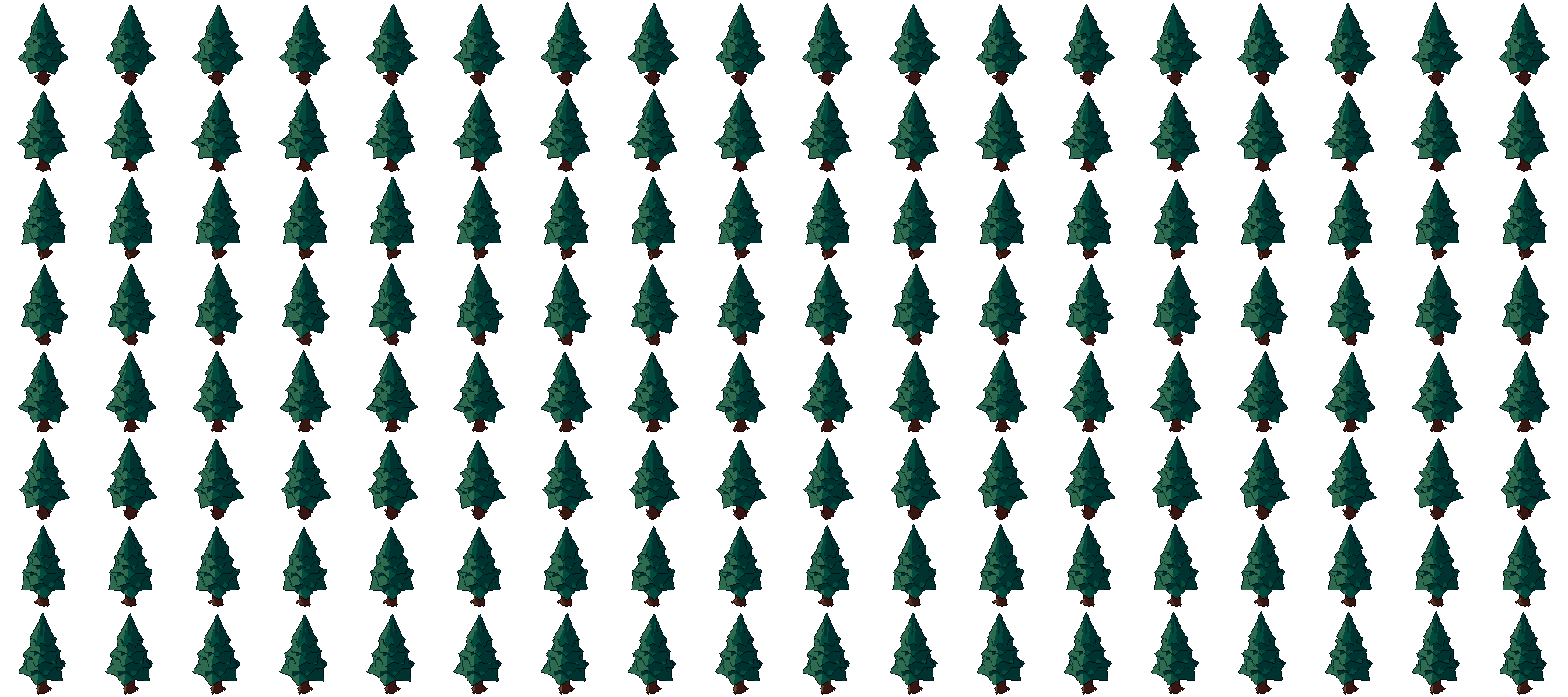
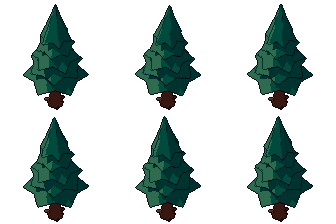
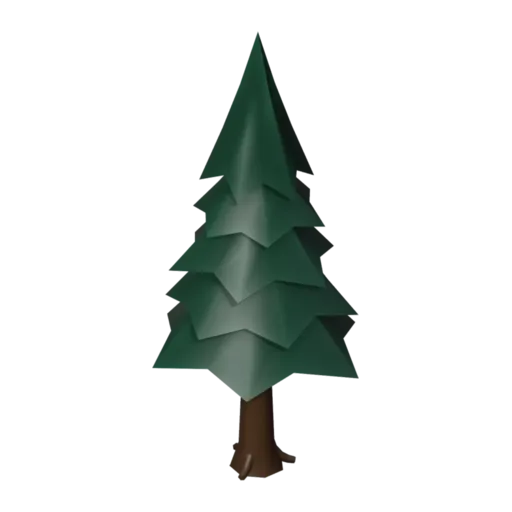
Pine tree free 3D model & sprite sheet
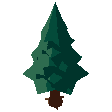
2D pixel art by Pixor, from the 3D model
3D the model it was rendered from
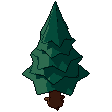
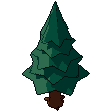
GIFs to share
For a devlog, a post or a Discord message. CC0 like the rest: no credit needed.
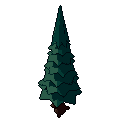
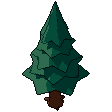
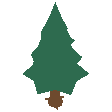
A conifer of five stacked cone tiers, each with a drooping, star-shaped rim, on a short tapering trunk. The tiers lean together in the Sway loop, and the sprites are rendered at 112 pixels from a three-quarter view. Its tall, narrow outline is easy to tell apart from the round oak at a glance.
Each tier is a cone, and the star rims are lofted so their points droop like heavy branches. A pivot empty sits above the trunk, and object animation leans the tiers around it, which keeps the trunk still while the crown moves. The model uses just two materials, Bark and Pine needle.
Pines build mountain trails, snowy maps, northern villages and dark forests. Because they are narrow, they pack tightly along the edges of a map to form walls the player cannot pass. As a prop at real size they sit correctly beside cottages and characters.
For a winter level, lighten the Pine needle material towards a frosted green, or try a deep blue-green for night. Mix pines with the oak tree for a mixed wood, and add the rock set and grass tuft around their bases.
Use it in your game
- Godot 4:
godot/pine-tree-selout-112.tresis aSpriteFramesresource with 8 animations (Sway_South, Sway_Southeast … Sway_Southwest): drop it on anAnimatedSprite2Dand playSway_South. - Aseprite:
aseprite/pine-tree-selout-112.asepritehas a tag for each of those, 144 frames in all, to touch up by hand; its.jsonsits next to it. - Unity, GameMaker and the rest:
sprites/selout/pine-tree-112px-8-sides.pnghas 8 rows of 112×112 px cells, one per action and side, South (front) first. A 4-side sheet and the 32, 48 and 64 px sizes are next to it. - Posts and devlogs: the GIFs above, also in the zip’s
gifs/folder. - 3D: the GLB opens in Blender, Godot, Unity and three.js. The
.blendkeeps its modifiers, named parts and materials.
How this look was made
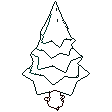
The sprite above is Pixor’s selective outline look. In Pixor every step of a look is a node you can change: the light bands, the outlines, the palette. This is that look’s Style graph:
- dither
- 0
- fill
- 0
- hysteresis
- 0.05
- min highlight
- 2
- rim
- none
- shadows
- on
- specular
- 0.96
- convex
- none
- crease
- selout1
- crease angle
- 55
- depth jump
- 2.5
- inner
- selout2
- min inner line
- 3
- outer
- selout3
- outer inside
- off
- part lines
- on
The other looks in the player (clean, retro, flat) are other Style graphs. With Pixor you can open this asset, change any node, and render your own.